

Update and Replace a Letter of Recommendation
Dossier makes it easy to upload an updated version of a letter of recommendation. There are 3 ways a letter writer can update or replace a letter.
- Email the new letter to help@interfolio.com.
- Replace the letter yourself via the link in the original emailed request
- Replace the letter yourself by logging into your Dossier account
Replace or Update Letters
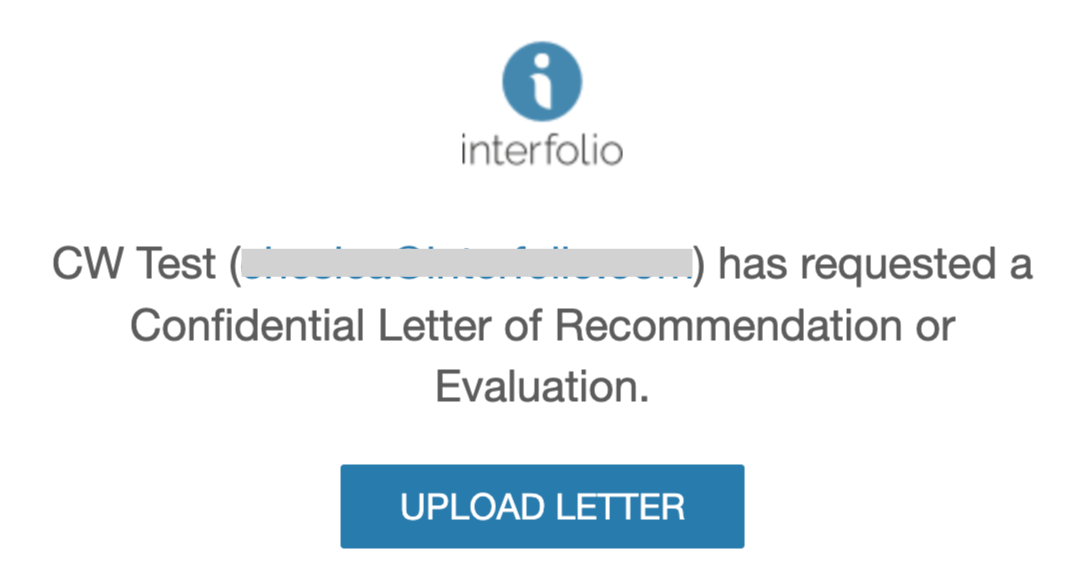
- Locate the email you received for the request and click Upload Letter.
- You can also navigate there through your Dossier account by navigating to Letters > Letters To Write > View Details.

If the due date appears under the Status column, that means the due date has not passed. Once the due date has passed this date will no longer appear under this column.
- You can also navigate there through your Dossier account by navigating to Letters > Letters To Write > View Details.
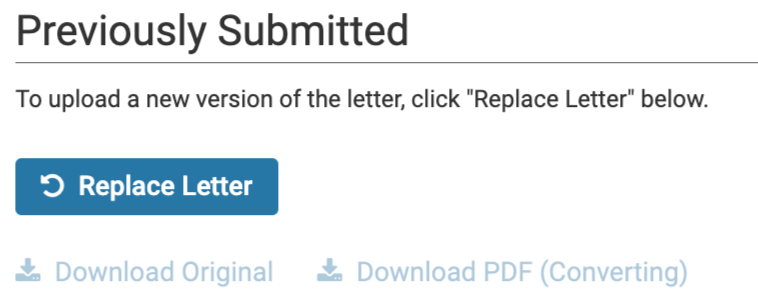
- Click the Replace Letter button to upload a new version of the letter.
- Select File for Upload and click Submit when finished. This will delete the existing letter and replace it with the newer version.