

Add ID Numbers to a Delivery
If applying to a school through Dossier and asked to include ID numbers with the delivery, follow the instructions below to save ID numbers to an account and add an ID number to a delivery. If necessary, delivery ID numbers can be associated with deliveries, and document ID numbers with particular materials.
Please note that Interfolio does not require AACOMAS ID for deliveries to AACOMAS. If it is desired to include the ID included in the delivery, please ensure that it is included in the recommendation letters.
Add ID Numbers to Delivery
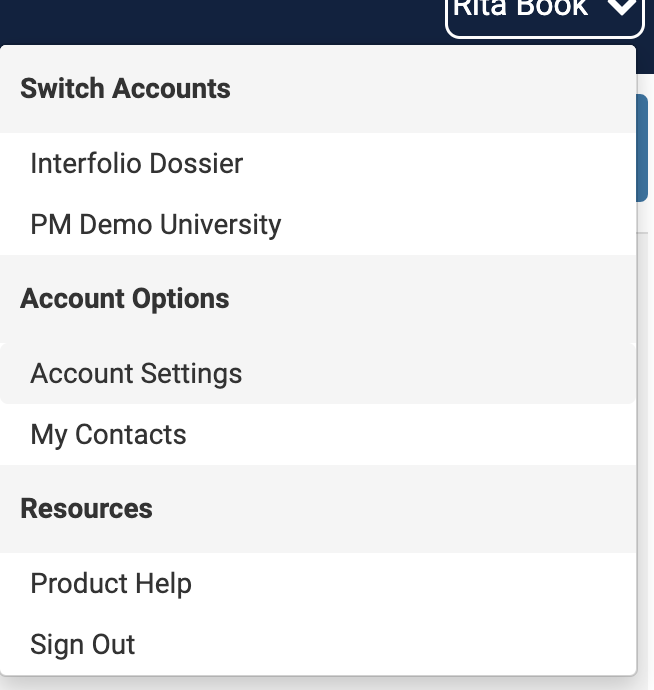
- Click Account Settings from the dropdown in the upper right-hand corner
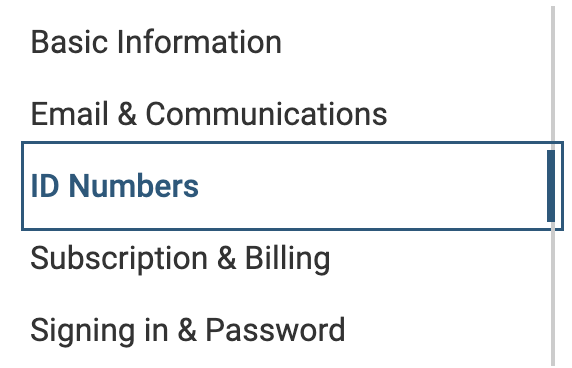
- Click ID Numbers on the left-hand navigation bar.
- Click the Add ID Number button on the right-hand side.

- Select the New ID Type from the dropdown menu.
- Manually enter an ID number in the New ID Value field.
Do not copy and paste the ID, as doing so may introduce hidden characters that can delay processing and delivery.
- Click Save when finished.
After completing this step, the ID will be saved in the Dossier account and available to include on delivery coversheets.